App for Android head units, TV boxes and Android TVRadio
for your car
Internet radio for Android car stereos without Google Play: thousands of stations, a big car mode, and the app installs new versions by itself. One APK fits any head unit.
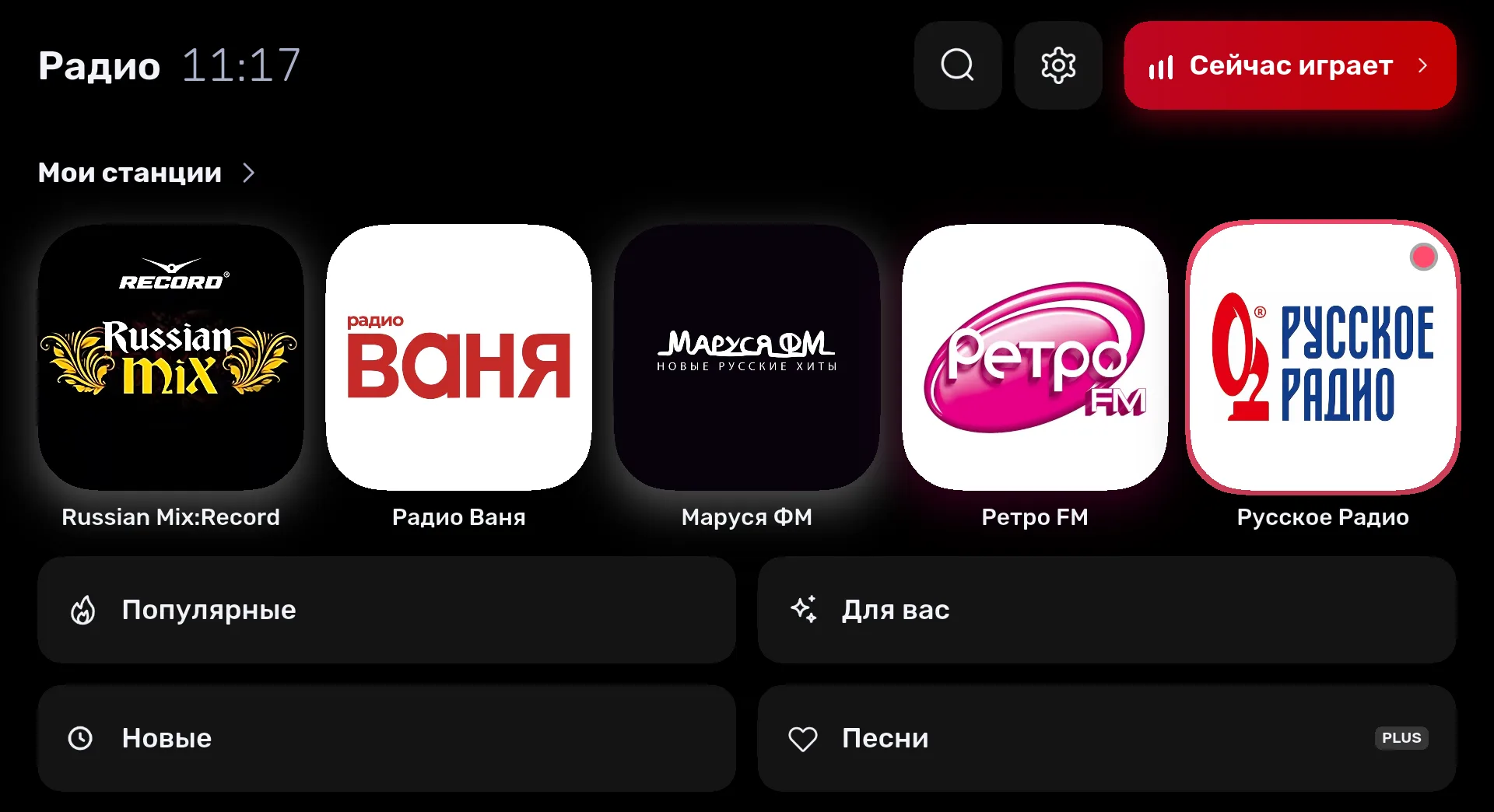
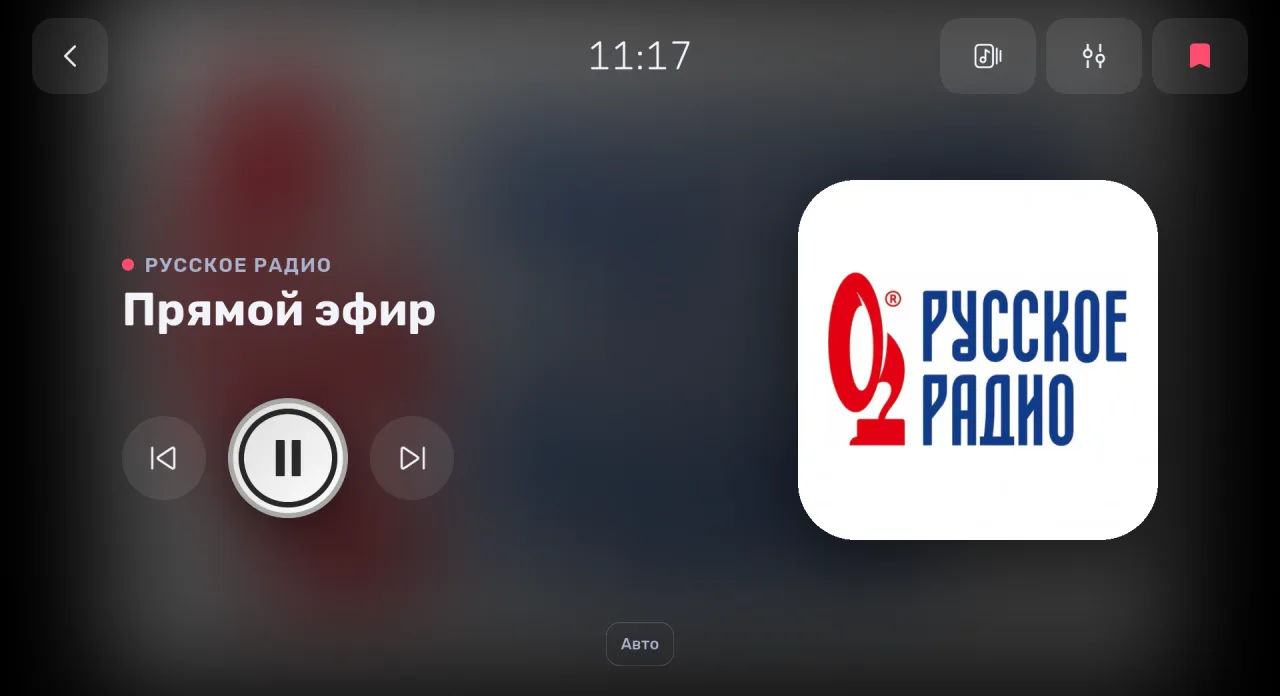
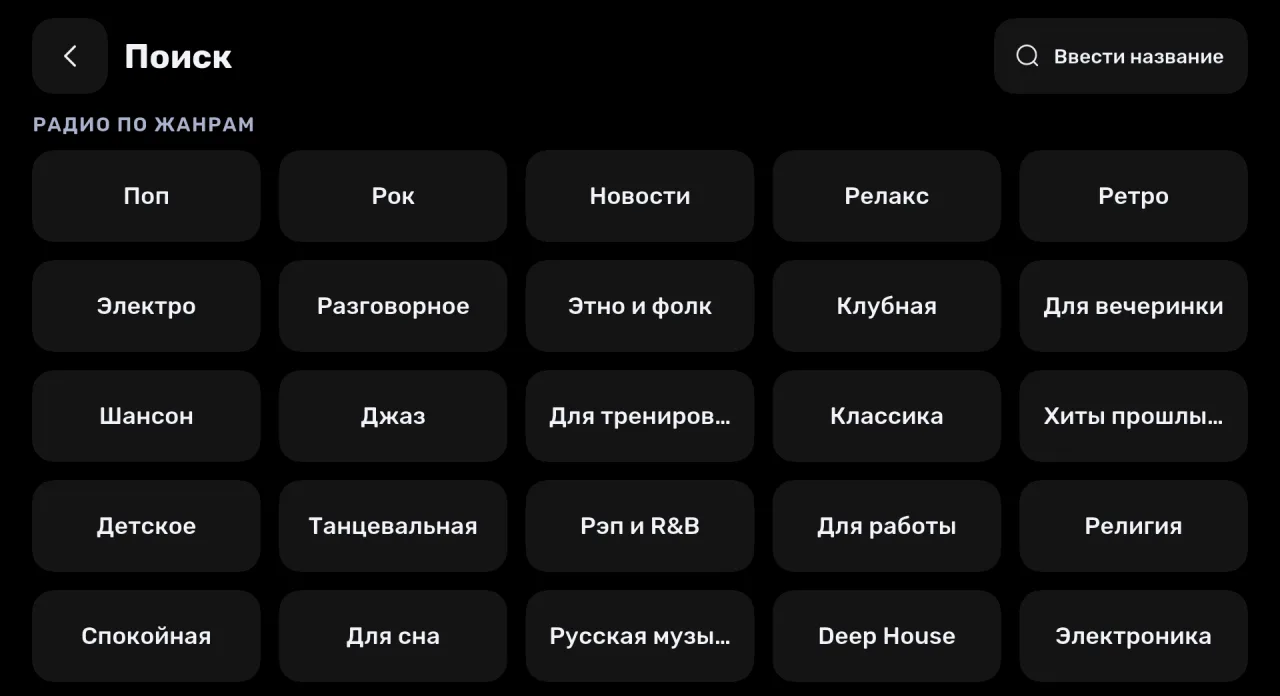
Car mode — big enough to see from the driver’s seat
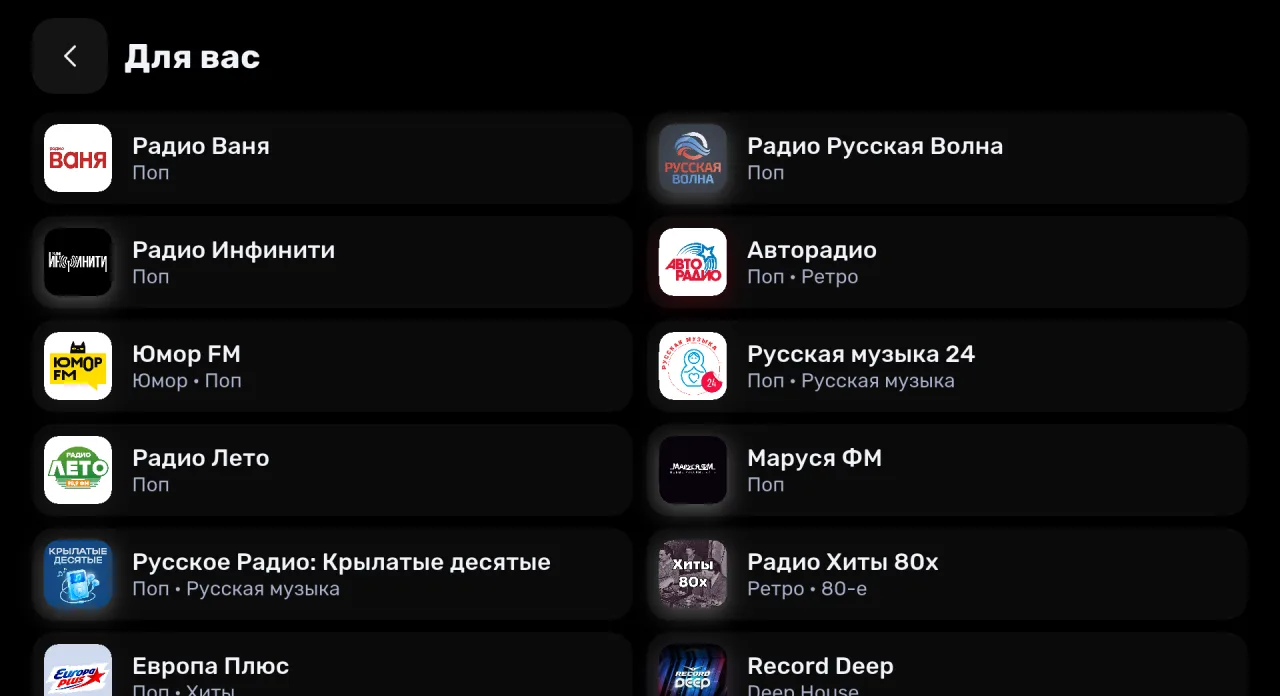
Where it works
Android head units
Aftermarket and factory car stereos on Android 8.1 or newer, single and double DIN. All it needs is internet.
Android TV and TV boxes
The same file installs on Android TV boxes and TVs — radio at home on the big screen.
Tablet or phone in the car
Car mode works on any Android device — handy in a mount.
Android Auto and CarPlay
If your car connects to a phone, install Radio on the phone from Google Play or the App Store — it works in Android Auto and CarPlay.
Good to know
Updates itself
The app checks our site for a new version, downloads it and offers to install — no need to come back to this page. If the head unit does not allow installing apps from files, the new version is saved to Downloads: open it in a file manager.
One APK for all
Inside are builds for 64- and 32-bit ARM processors (almost every head unit and TV box runs on them) and for x86. No need to look for a file for your device: the system picks the right one.
Pay from your phone
Listening is free. Radio PLUS is paid with a QR code: point your phone camera and pay on the phone. Restoring a subscription works by QR code or by email too.
Car mode
Big stations and buttons, a clock, a dark screen. Turn it on in the app Settings, and it stays on for the next launches.
How to install a radio app on an Android head unit
Download the APK
Open site.radio/car in the head unit browser and tap “Download APK”. No browser — download the file on a computer and copy it to a USB stick.
Allow the install
Open the file in Downloads or on the USB stick. The system asks whether apps from this source may be installed — allow it and go back.
Install
Tap “Install”. In a minute Radio appears among the head unit apps.
Turn on car mode
In the app, open Settings → Car mode. The big interface stays on for the next launches.
How to connect the head unit to the internet
This is internet radio: stations stream over the network, so the head unit needs a connection.
- ✓Share internet from your phone: turn on its hotspot and connect the head unit over Wi‑Fi.
- ✓Insert a SIM card if the head unit has a slot or a 4G modem.
- ✓An hour of radio uses up to 60 MB of data.
If the APK does not install
Cannot find the downloaded file
Open the head unit file manager and look in the Download folder or on the USB stick — the file is named radio-….apk.
It says installation is blocked
Allow installs from unknown sources: Settings → Apps → Special access → Install unknown apps → your browser or file manager. On Android 8 and 9 it may be called “Unknown sources” under Security.
The manufacturer blocks app installs
Some head units do not allow installing apps from files. Try the head unit’s own installer in its settings or a USB stick. Still no luck — send us the model, we will look for a way.
It says “App not installed”
Android 8.1 or newer and some free space are needed. If the file did not download completely, download it again.
Questions and answers
Is it free?
Yes, listening is free and without ads. Songs, the equalizer and other features come with Radio PLUS, paid by QR code from your phone.
Does it work without internet, like FM radio?
No: this is internet radio and it needs a connection. FM over the antenna is what the head unit’s built-in radio app does.
Which radio app is best for an Android head unit?
One that is easy to use while driving and updates without Google Play. Radio has a car mode with big buttons and installs new versions by itself.
Will it install over the Google Play version?
Yes: stations, favorites and settings are kept. After that the app updates from our site.
The device has Google Play
Then install Radio from there — updates will come through Google Play. This file is for devices without a store.
Does it work on Android TV or a TV box?
Yes, it installs on any device with Android 8.1 or newer. We are still testing remote control navigation — tell us how it works for you.
Is it safe to install the APK from the site?
The file is signed with the same key as Radio on Google Play — that is why it installs over it. Download it only from site.radio.
How do I update the app?
It updates itself: it finds a new version on the site and offers to install it. To do it by hand, download the file from this page and install it over — your data is kept.
Tell us how it went
Send us your car make and head unit model: did it install, how car mode works, what is inconvenient. These letters decide what we improve next.